
Managing maintenance requests and work orders
by Platuni | 30 Dec, 2025 | 5 mins read
Platuni
30 December, 2025
5 mins read
The maintenance dashboard centralizes all requests, making it easy to stay organized, prioritize tasks and track progress from start to finish.
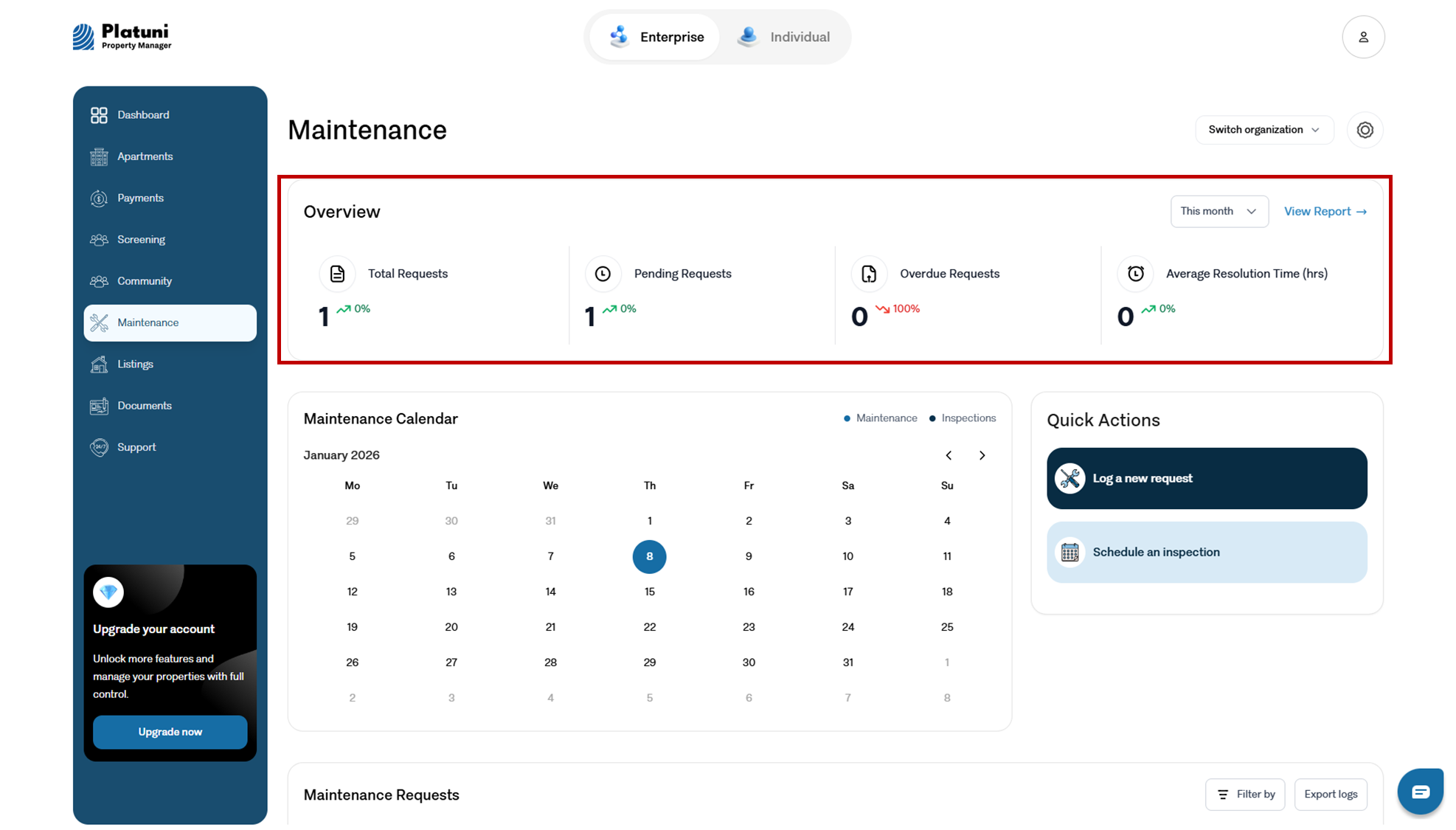
Viewing new, in progress and completed requests
Requests are automatically sorted into categories such as:
• New • In review • Assigned • In progress • Completed
You can filter by property, urgency level, date, or assigned team member to manage workload efficiently.
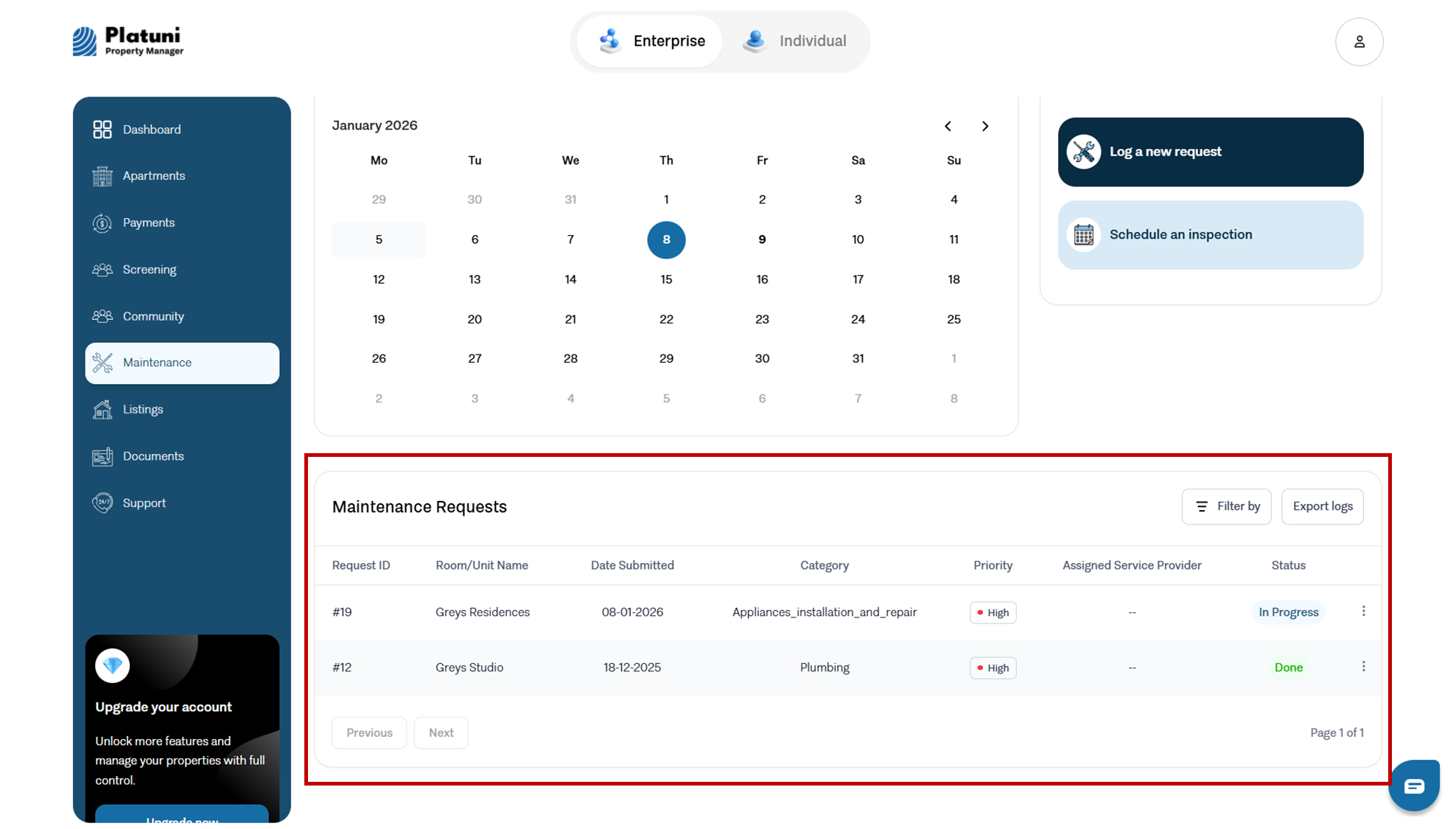
Converting a request into a work order
When a request needs action:
• Open the ticket
• Select Convert to work order
• Assign a technician or vendor
• Add internal notes or instructions
• Attach required checklists or documents
This creates a structured workflow that technicians can follow.
Grouping similar tickets for bulk action
If multiple residents report the same issue, such as an elevator outage or water pressure problem, Platuni allows you to:
• Group these tickets
• Assign a single work order
• Notify all affected residents at once
• Mark the grouped issue as resolved when complete
This reduces duplication and improves communication efficiency.
Stay Informed
Subscribe to the Platuni B2B Newsletter to receive industry insights,
new feature announcements, and exclusive growth reports