
Quick start checklist for new property teams
by Platuni | 30 Dec, 2025 | 5 mins read
Platuni
30 December, 2025
5 mins read
This guide walks new landlords and property teams through the first steps needed to set up Platuni Property Manager. Each step ensures that your account, properties and workflows are ready before residents begin using the platform. Follow this checklist to move from setup to daily operations with confidence.
- Create your account and confirm your email
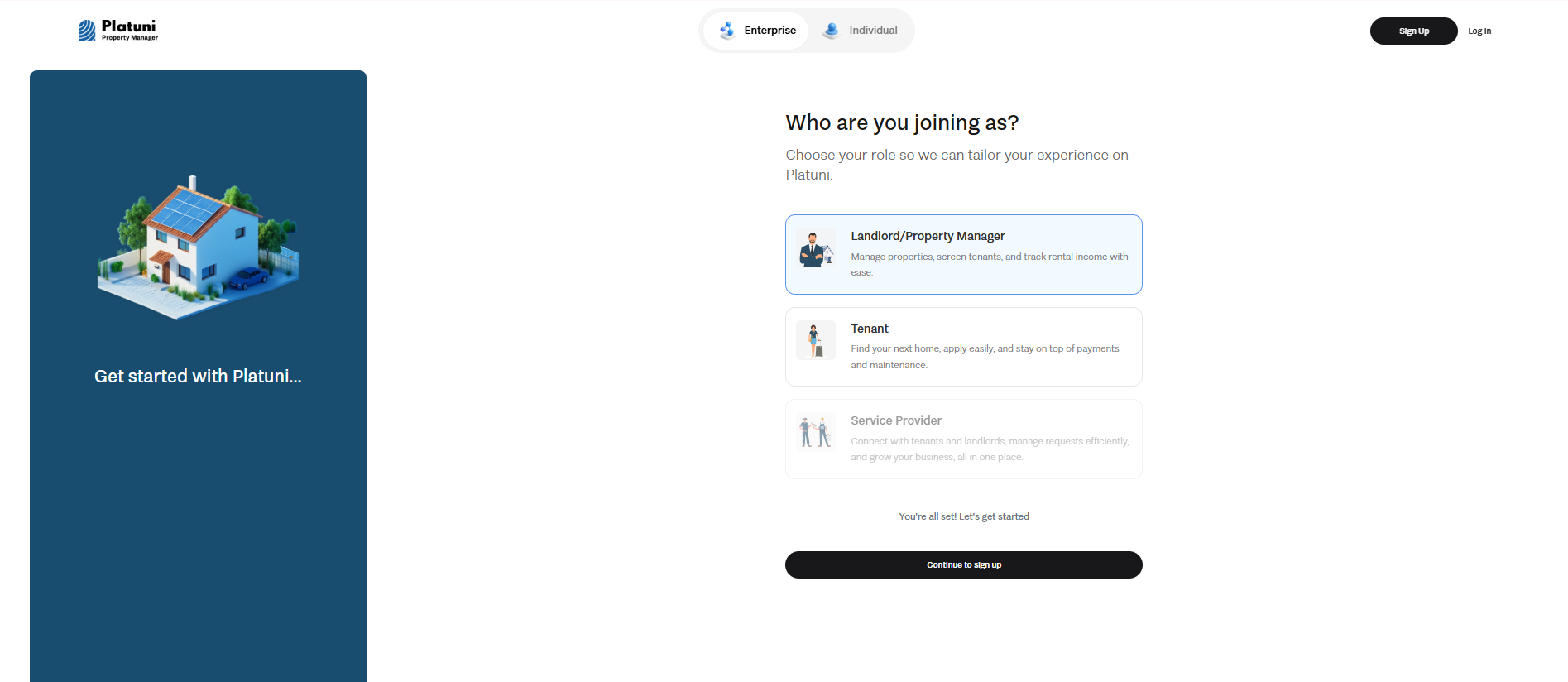
Start by creating your Platuni account using your work email. After submitting your details, you will receive a confirmation message. Open the message, select the confirmation link, and return to the platform to complete your profile. This verification step protects your account and ensures that future notifications reach the correct inbox.
- Add your company details and payment preferences
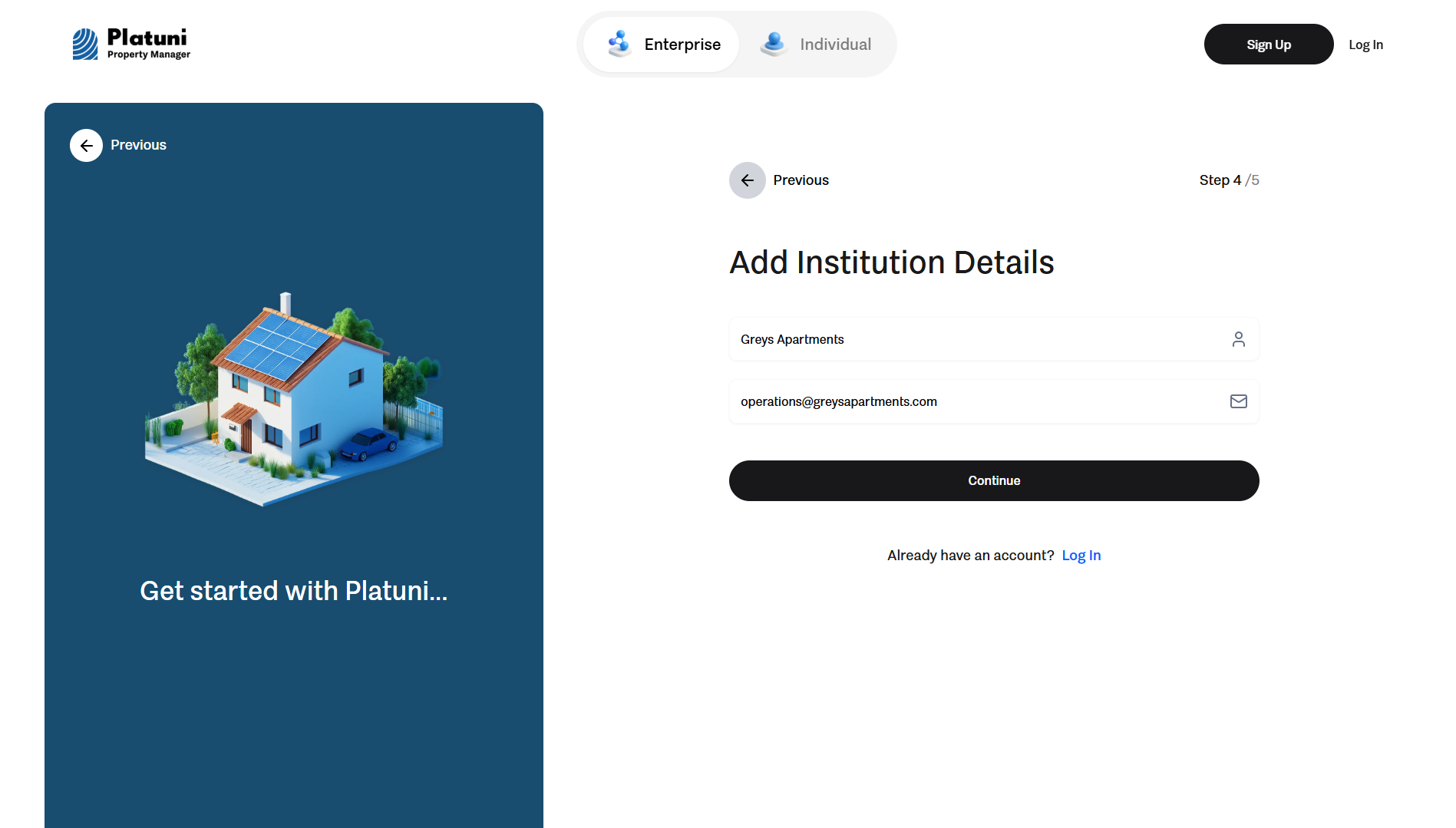
Next, enter your company information such as your business name, address, preferred contact details and any regulatory requirements that apply to your region. Set your payment preferences so that rent and other charges can be collected and sent to your company bank account. This includes adding your payout account and confirming any required verification steps. Once this is done, payments will flow directly to your dashboards where you can monitor activity in real time.
- Add your first property and units
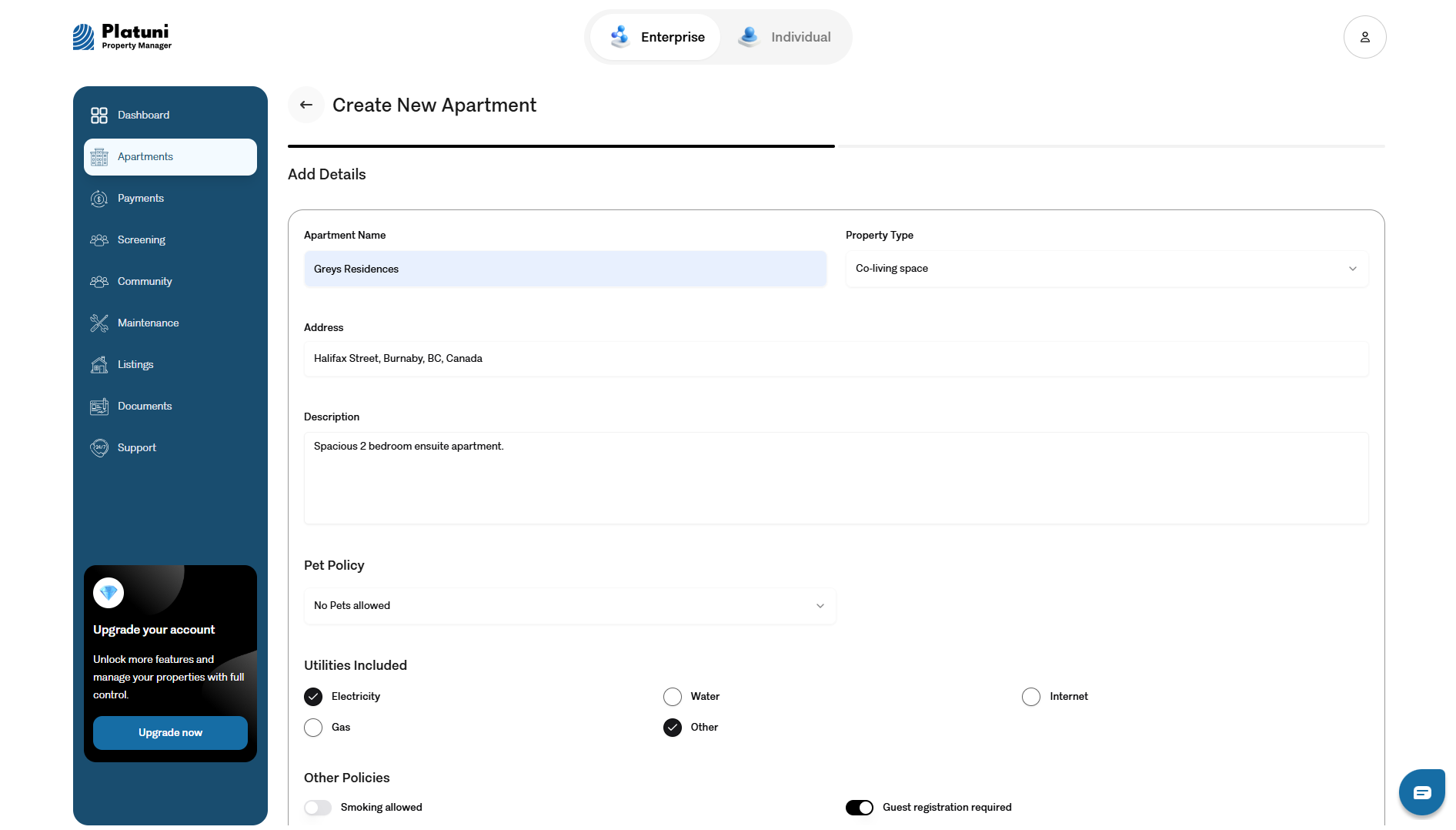
Go to the properties section and add your first building or home. Enter the address, property type, amenities and any notes that help you organize your portfolio. After the property is created, add its units. For multi unit buildings, enter each unit with rent amount, deposit rules and any special conditions. For single family homes, simply confirm the details for the entire space. This structure allows Platuni to connect each unit to applications, payments and resident accounts.
- Enable payments, maintenance and applications
Turn on the core features that support daily operations.
• Payments: Activate rent collection and allow residents to pay through the portal.
• Maintenance: Make it possible for residents to submit requests with photos and notes.
• Applications: Open the property to new applicants and collect all details in one organized flow.
With these features active, your property begins running through a single system.
- Invite your team
If you work with other managers, assistants, maintenance staff or leasing coordinators, invite them to join your organization. Assign each person a role that matches their responsibilities. For example, some users may need access to payments while others may focus on applications or maintenance. This setup keeps your operation secure while giving each team member the tools they need.
- Share resident login instructions
Once your property is ready, send login instructions to your residents. You can invite them from the platform or share the welcome link directly. Residents will create their own accounts, view charges, submit maintenance requests, complete applications and receive announcements from your team. Clear onboarding supports a smooth start for both your team and your residents.
Stay Informed
Subscribe to the Platuni B2B Newsletter to receive industry insights,
new feature announcements, and exclusive growth reports