
Upgrading or downgrading your plan
by Platuni | 30 Dec, 2025 | 5 mins read
Platuni
30 December, 2025
5 mins read
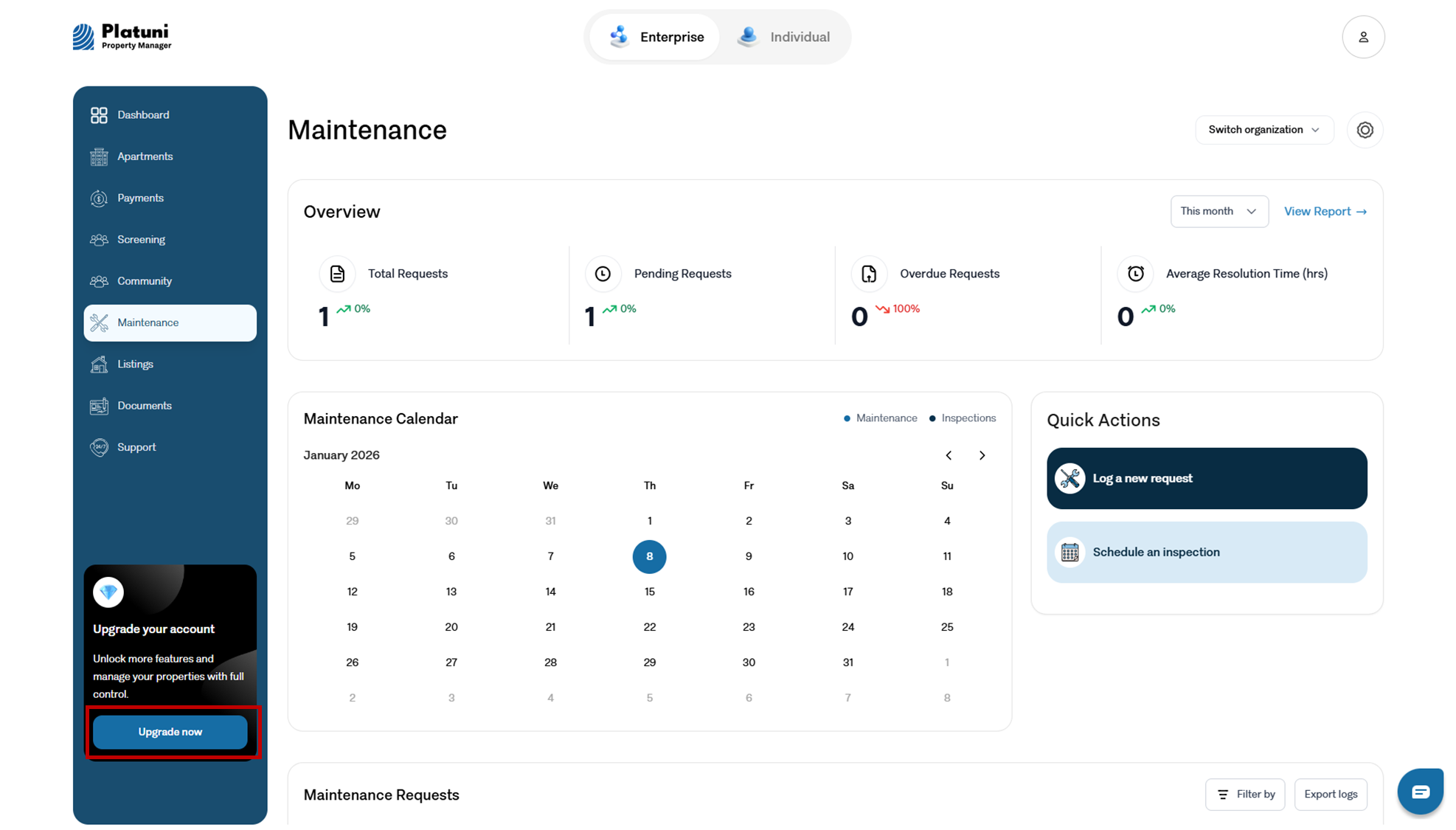
As your portfolio grows or changes, you may need to adjust your plan. Platuni supports flexible plan changes to match your needs.
How to request changes
Plan changes can be requested from your account settings or by contacting support. You can:
• Upgrade to unlock additional features
• Downgrade if your portfolio size decreases
• Adjust add ons based on operational needs
Changes usually take effect at the next billing cycle unless otherwise specified.
What happens to data and features when you change plans
When upgrading:
• New features become available immediately or at the next cycle
• Existing data remains intact
When downgrading:
• Some advanced features may become unavailable
• Your data is not deleted
• Reports or tools outside your plan may become read only
Platuni ensures continuity of your core records regardless of plan level.
Stay Informed
Subscribe to the Platuni B2B Newsletter to receive industry insights,
new feature announcements, and exclusive growth reports