
Security settings and best practices
by Platuni | 30 Dec, 2025 | 5 mins read
Platuni
30 December, 2025
5 mins read
Security is a core part of Platuni Property Manager. Your account holds sensitive information about residents, financial activity and internal operations, so it is important to use the platform’s security tools correctly. These settings protect your team, your business and the residents who trust you with their data.
This guide explains the essential security practices every property team should follow. It covers password guidelines, device recognition and session timeouts and gives clear direction on how to maintain a secure work environment.
Password guidelines
A strong password is the first layer of protection for your account. Platuni requires passwords that meet modern security standards and encourages teams to update them regularly.
Create a strong password
A secure password should follow these principles.
• Use a long password that combines letters, numbers and symbols.
• Avoid common words, personal information or patterns that are easy to guess.
• Do not reuse passwords from other systems.
• Store your password in a trusted password manager rather than writing it down.
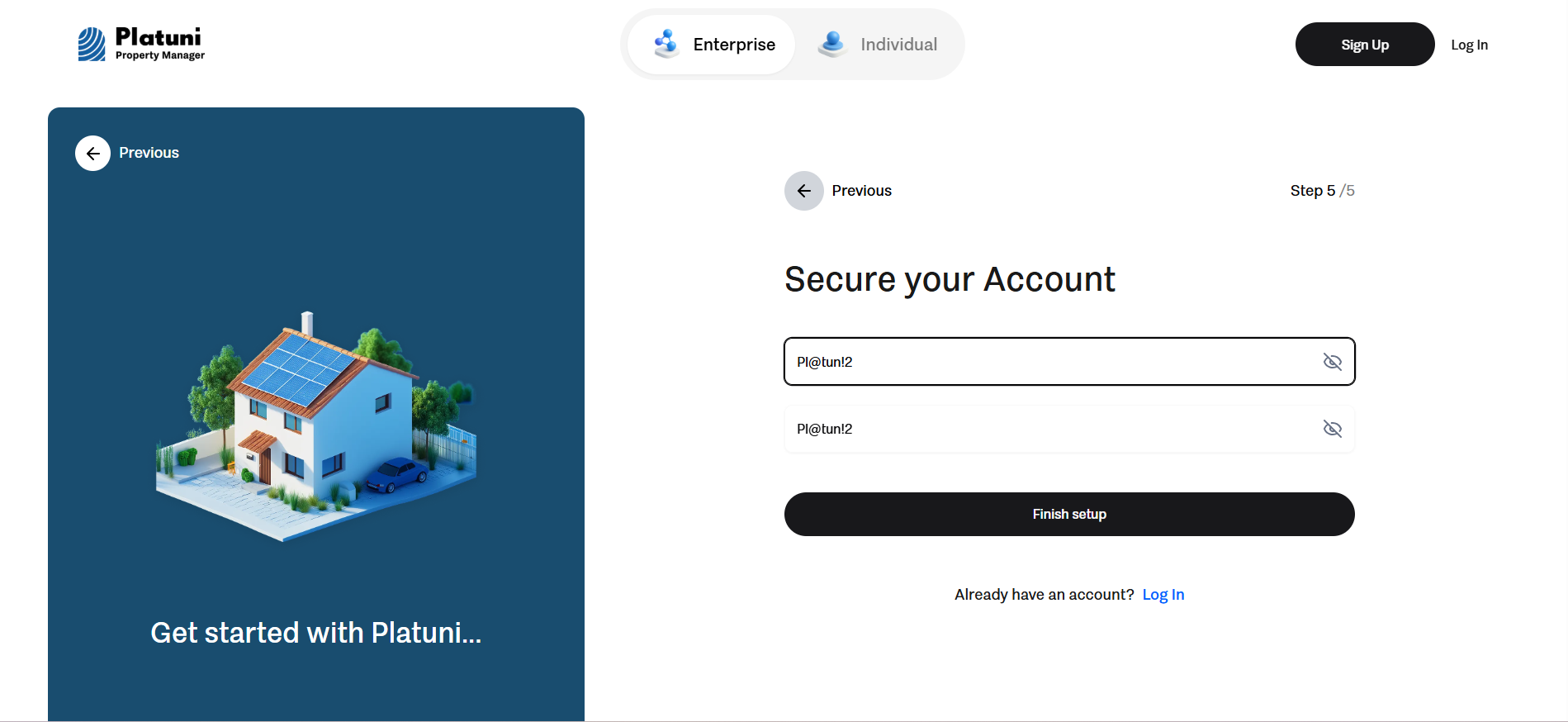
Update your password from time to time
Security improves when passwords are refreshed. Platuni supports password changes at any time and gives alerts when unusual activity is detected.
Do not share your password Even within your team, passwords should never be shared. Each person should have their own account with the correct role and permissions. This keeps your activity logs clear and makes it easier to track who completed specific actions.
Session timeouts
Session timeouts end your session after a period of inactivity. This prevents someone from accessing your account if you step away from your computer or forget to sign out.
How session timeouts protect you
• Keeps your dashboard secure when planning, leasing or maintenance tasks are open
• Prevents unauthorized users from viewing resident information
• Protects your financial activity when a computer is shared among staff or used in a common office area
Best practices for session timeouts
• Sign out when you finish your workday or leave your desk
• Do not disable timeout settings if your device is shared or public
• Lock your computer when stepping away even for a short moment
• Use the shortest timeout period recommended for your team structure
Timeouts work as a safety net and should be treated as an essential part of your daily workflow.
Putting these practices together
Following these guidelines creates a safer environment for your team and your residents. When passwords are strong, devices are verified and sessions close automatically, the risk of unauthorized access drops significantly. These practices also ensure that your team uses Platuni consistently across all properties and portfolios.
Stay Informed
Subscribe to the Platuni B2B Newsletter to receive industry insights,
new feature announcements, and exclusive growth reports